Complete S3 setup · AWS S3
AWS S3 Setup Guide
Create an S3 bucket, IAM-scoped keys, bucket CORS, and ShrimpSend settings.
When to use AWS S3
- Global AWS regions and enterprise IAM integration.
Prerequisites
AWS console; pick a region (e.g. ap-northeast-1).
Create bucket
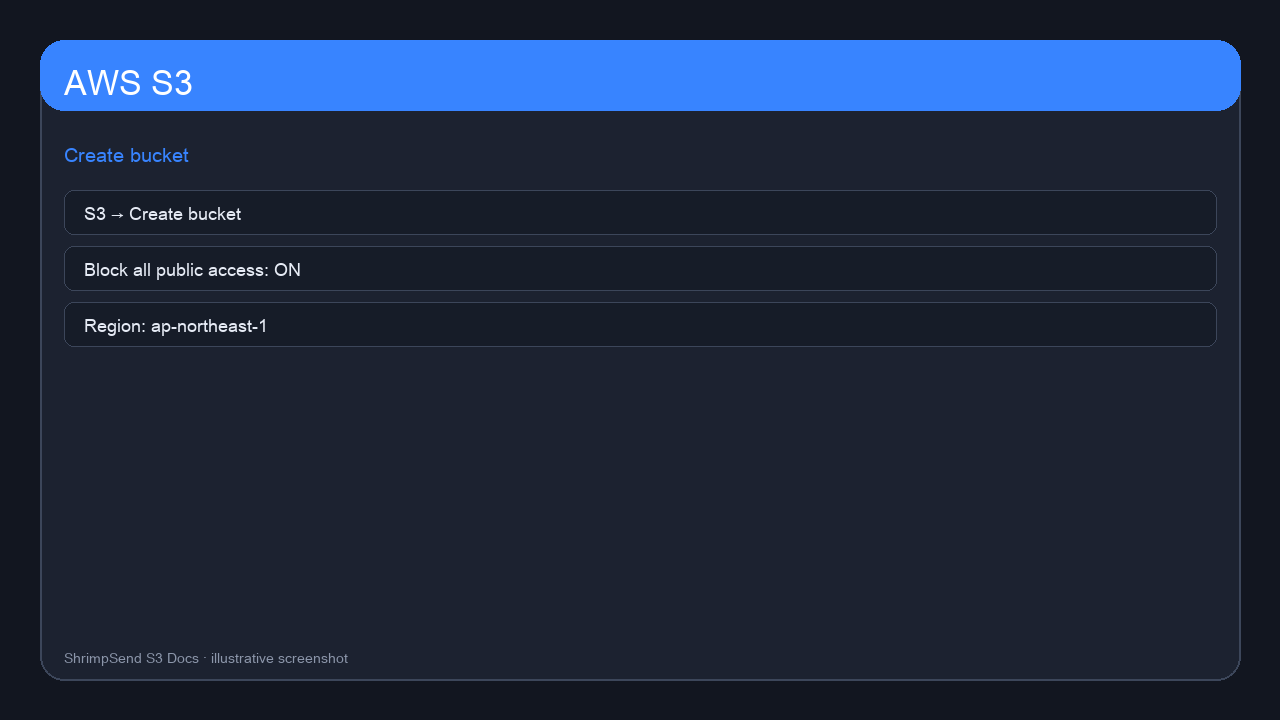
S3 → Create bucket; keep Block public access on; note region.
https://s3.ap-northeast-1.amazonaws.com
IAM access key
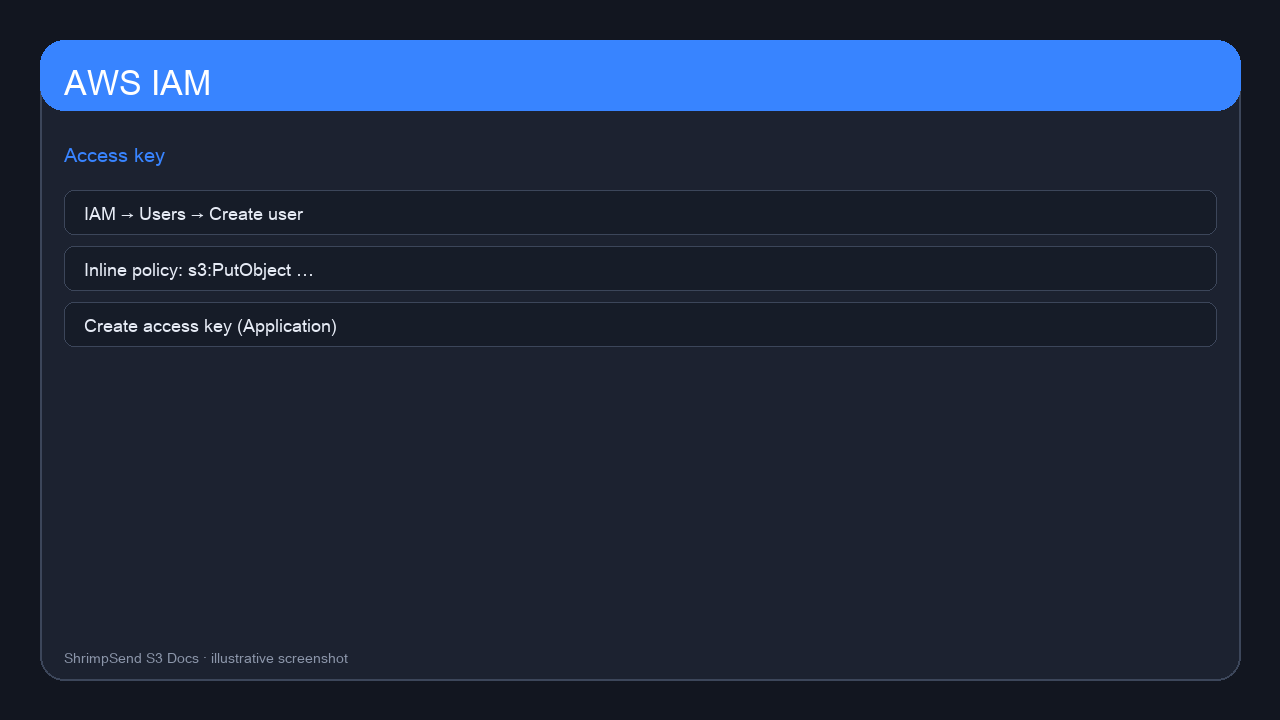
Custom inline policy with Put/Get/Delete + multipart actions on one bucket ARN.
CORS
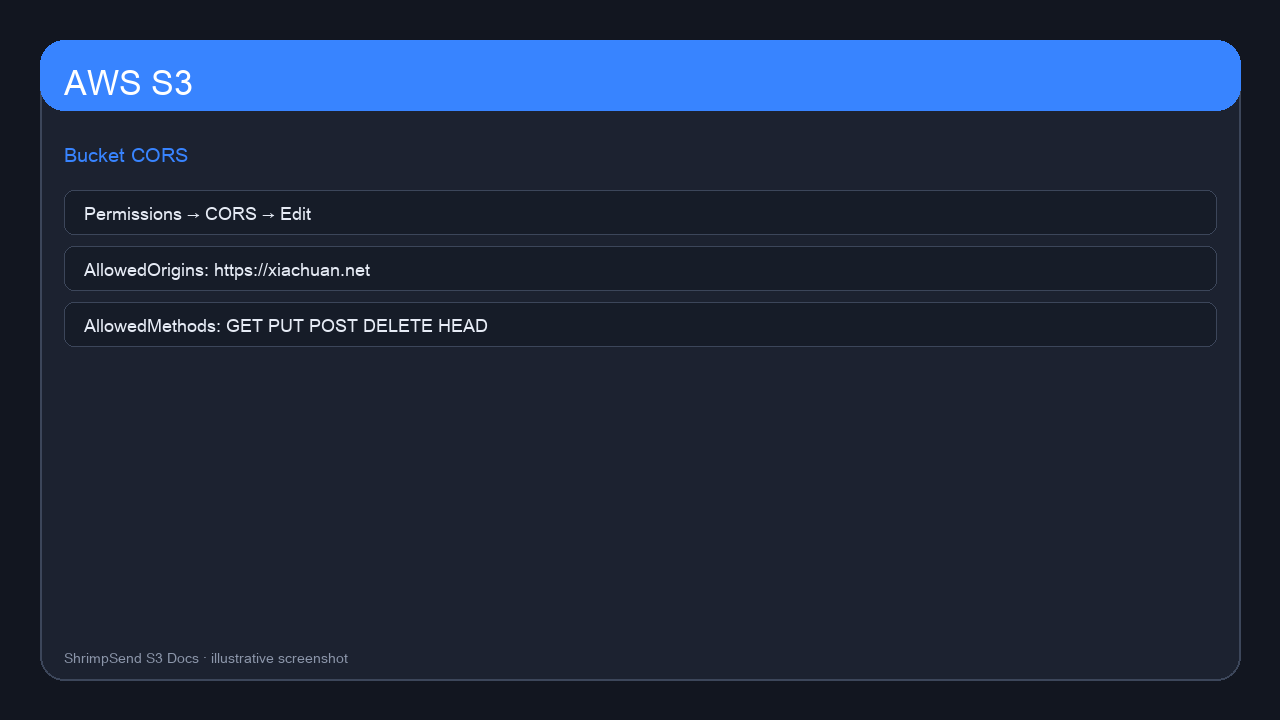
Permissions → CORS → JSON with Origins https://xiachuan.net (+ www), Methods including PUT/POST.
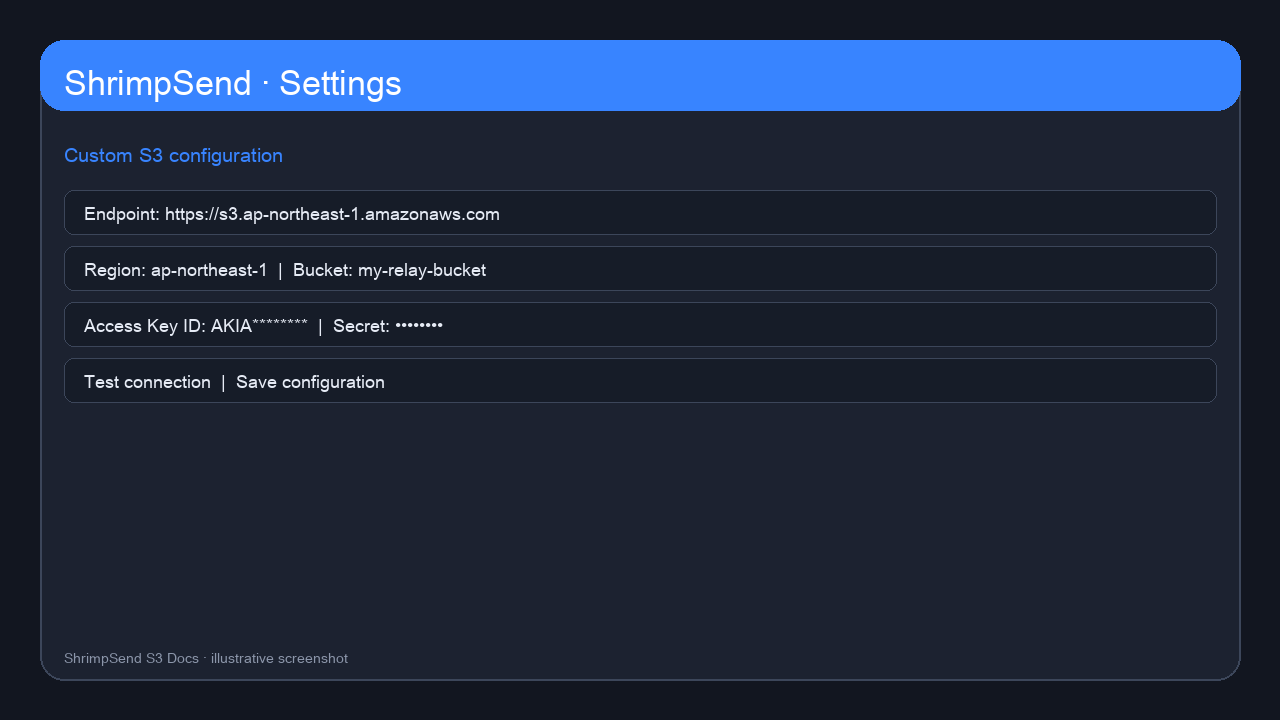
ShrimpSend settings
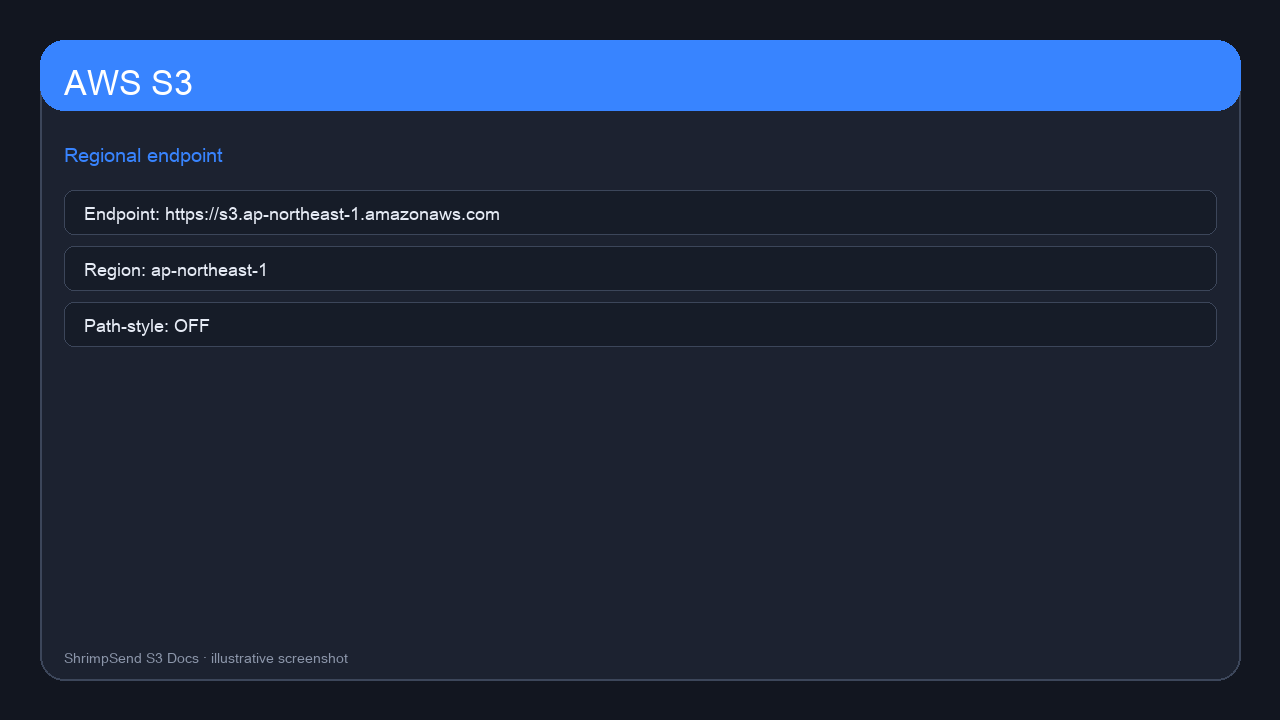
| Field | Example |
|---|---|
| Endpoint | https://s3.ap-northeast-1.amazonaws.com |
| Region | ap-northeast-1 |
| Path-style | Off |
FAQ
Turn off Path-style for standard regional endpoints. Include multipart IAM actions. Edit CORS on the bucket itself.