Complete S3 setup · Aliyun OSS
Aliyun OSS Setup Guide
Create an OSS bucket, RAM-scoped keys, CORS, and ShrimpSend settings.
When to use Aliyun OSS
- Payloads should live on Alibaba Cloud OSS.
- Primary access from mainland China networks.
Prerequisites
- OSS console.
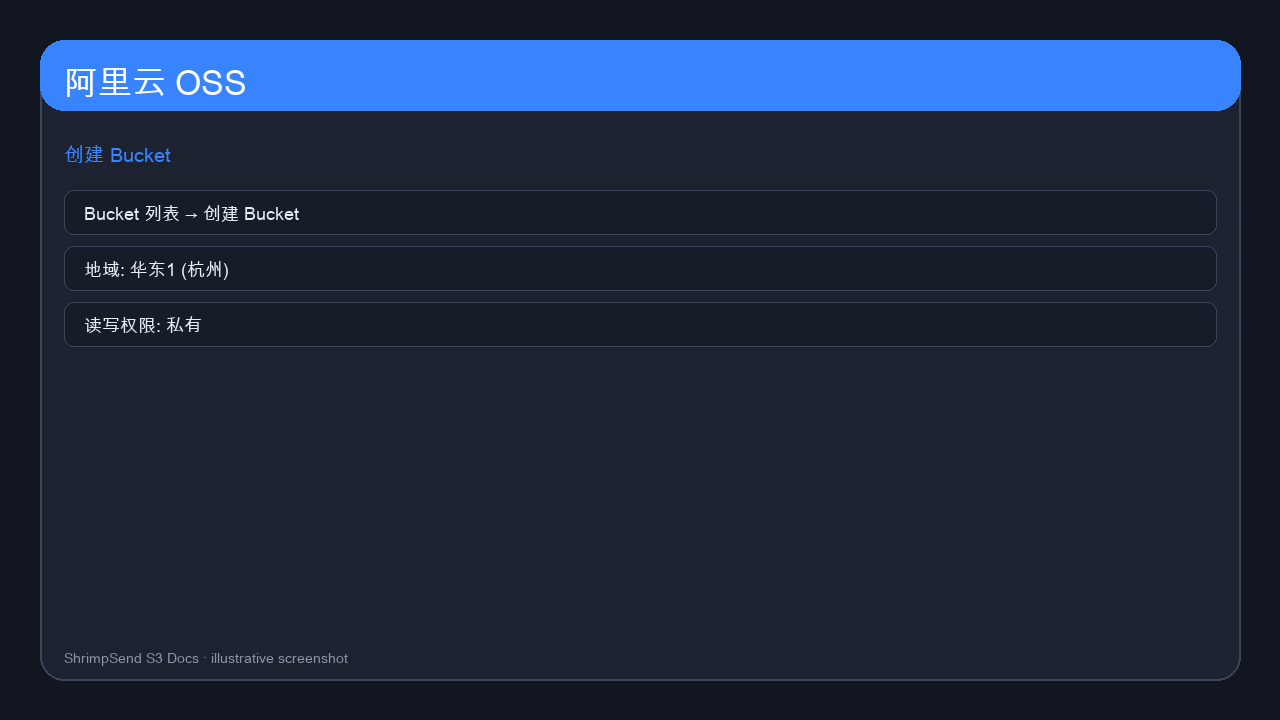
- OSS enabled; pick a region (e.g. Hangzhou
oss-cn-hangzhou).
Create bucket
- Bucket List → Create Bucket; unique name; Private ACL.
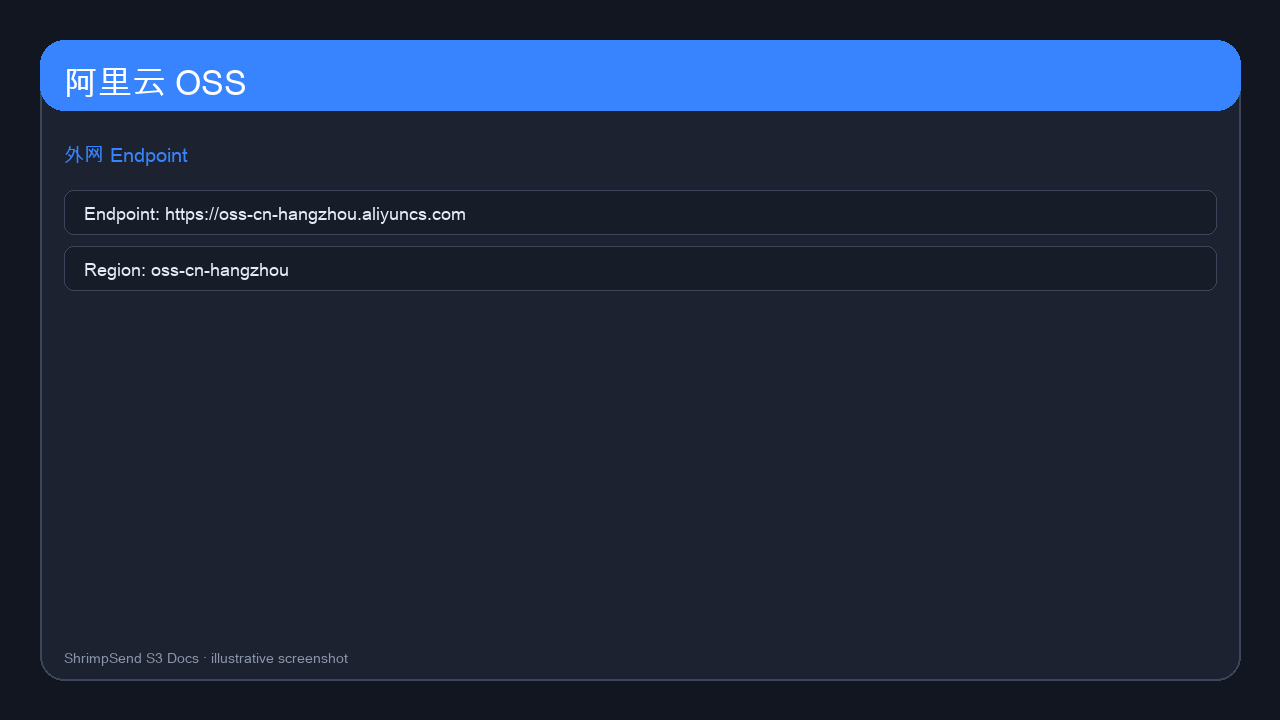
Copy public endpoint from overview:
https://oss-cn-hangzhou.aliyuncs.com
Access keys
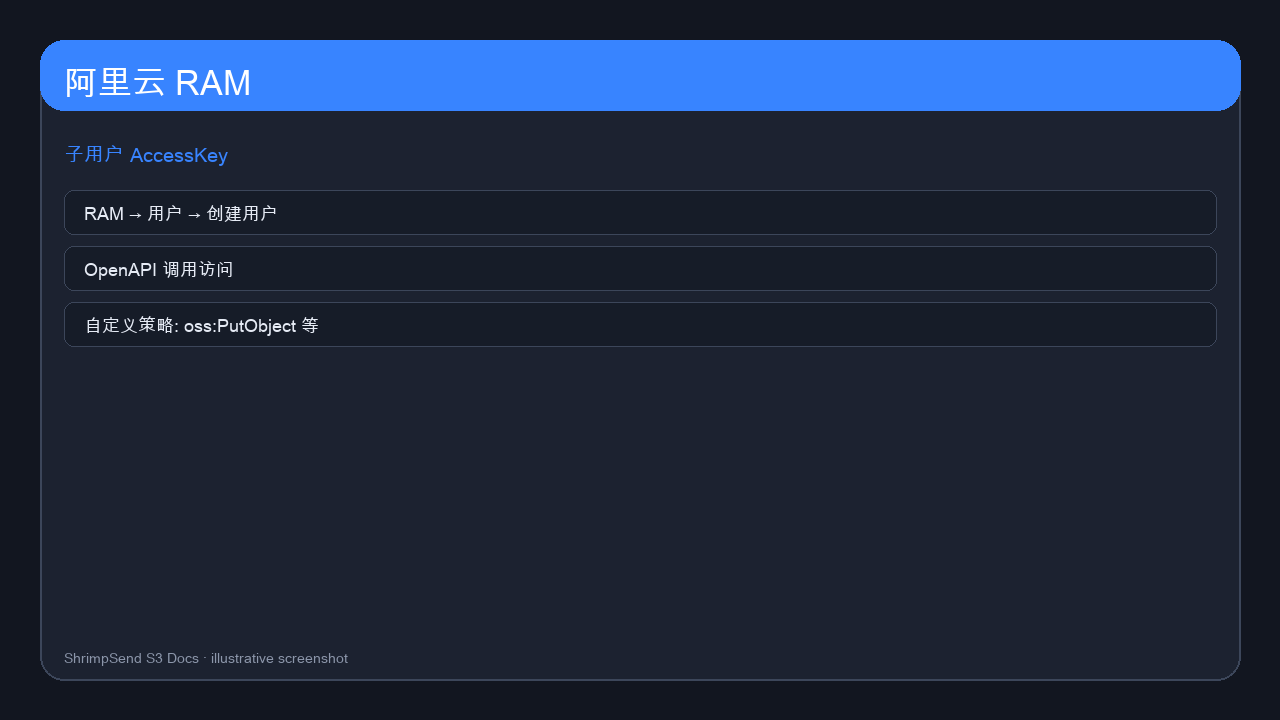
- RAM → Users → Create with OpenAPI access.
- Custom policy on one bucket only (Put/Get/Delete + multipart actions).
CORS
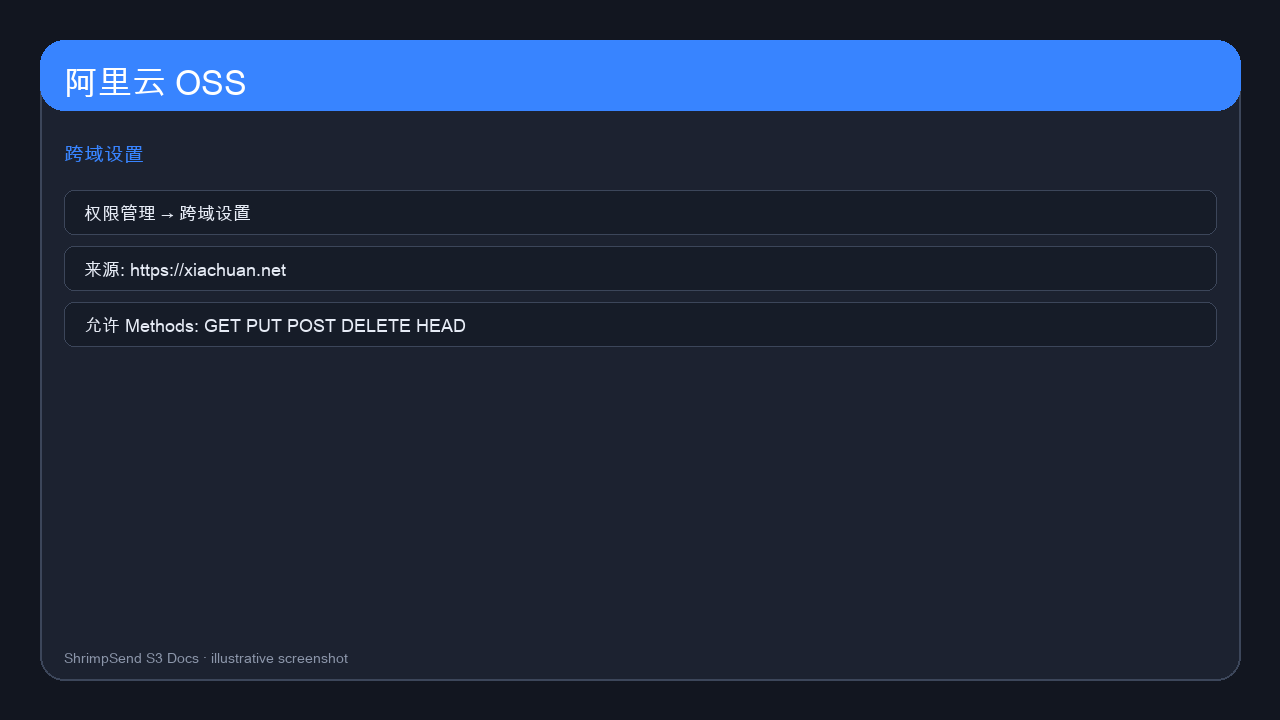
Bucket → Permissions → Cross-Origin → Create rule:
- Origins:
https://xiachuan.net,https://www.xiachuan.net - Methods:
GET, PUT, POST, DELETE, HEAD - Headers:
*; Expose:ETag; Max-Age:86400
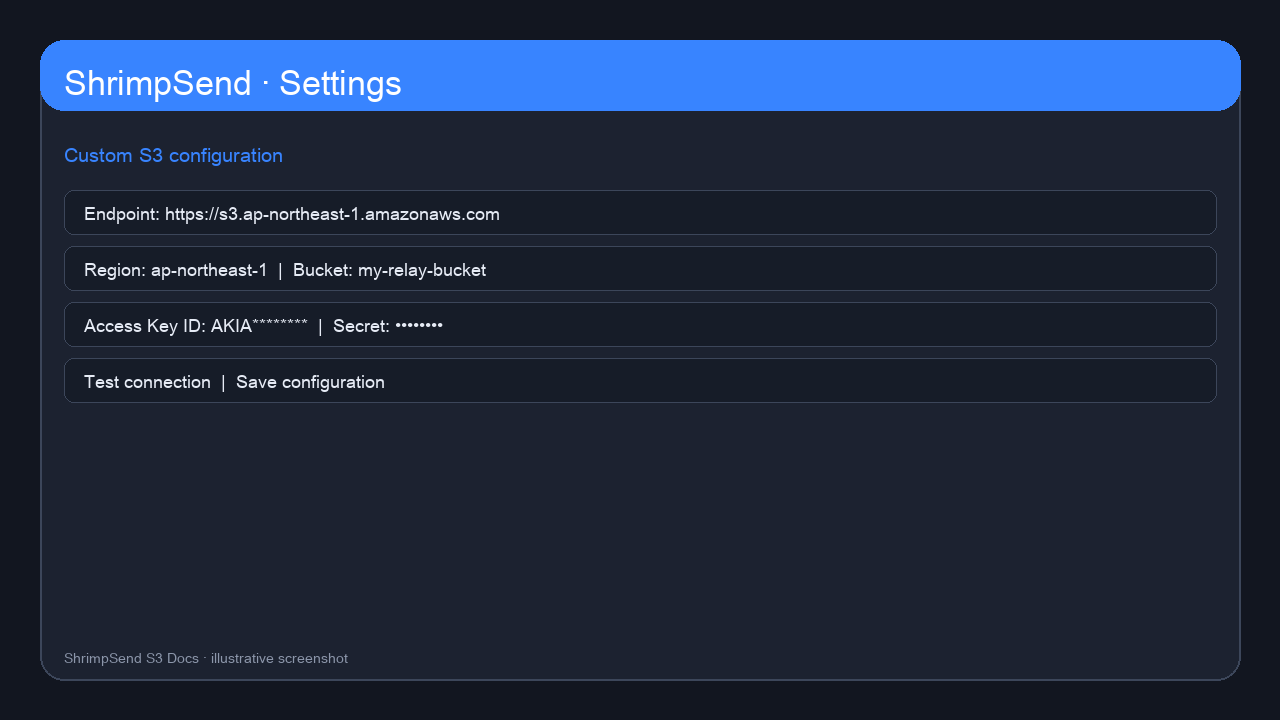
ShrimpSend settings
| Field | Example |
|---|---|
| Endpoint | https://oss-cn-hangzhou.aliyuncs.com |
| Region | oss-cn-hangzhou |
| Bucket | your bucket name |
| Path-style | Off |
Test & FAQ
Use Test connection; verify cross-network upload. Browser uploads need public endpoint unless same VPC with internal domain.